
CLiDE Standard
Chemical structure extraction for the individual chemist
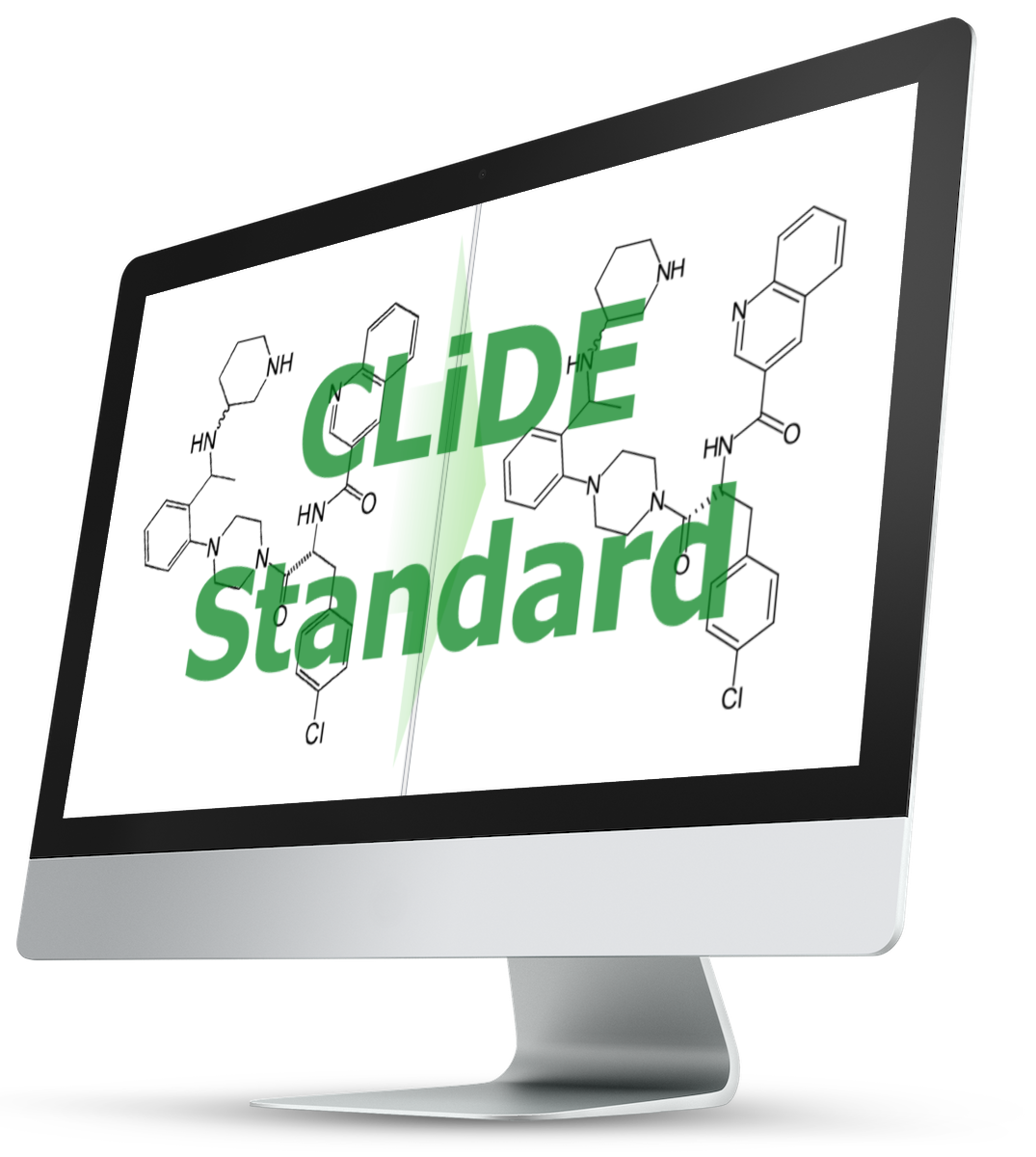
CLiDE Standard is ideal for those who would like to extract structures on an occasional basis
Key
Highlights
- Low cost
- Ideal for academics and researchers
- Extraction of a single user selectable structure one at a time
What’s in the box?
- Has a contemporary easy-to-use classic document viewer user interface
- Opens PDF and Word documents
- Opens images of several types, including BMP, GIF, JPEG, PBM, PGM, PNG, PNM, PPM, TIFF, XBM and XPM
- Extracts structures from structure diagrams
- Allows the extraction of one structure at a time
- Detects interpretation errors
- Chemical extraction can be done interactively via the user interface
- Support displaying super atoms (shortcuts) in expanded and contracted form
- Provides a set of options
- to annotate structure parts e.g. non-interpreted atoms or valence-violated atoms
- to control the recognition process
- to select which chemical editor to use
- to control the information saved into exported files
- Supports structure editing directly via
- ChemDraw
- Accelrys Draw (formerly Symyx Draw and ISIS Draw)
- Marvin Sketch
This allows you to correct any recognition errors present in the extracted structures
- Saves structures in the following formats:
- MDL Molfile
- MDL SDfile
- MDL RGfile
- CDX (ChemDraw)
- CML (Chemical Markup Language)
- MRV (ChemAxon Marvin Document)
Purchase CLiDE Standard Online
Choose your license:
How does it work?

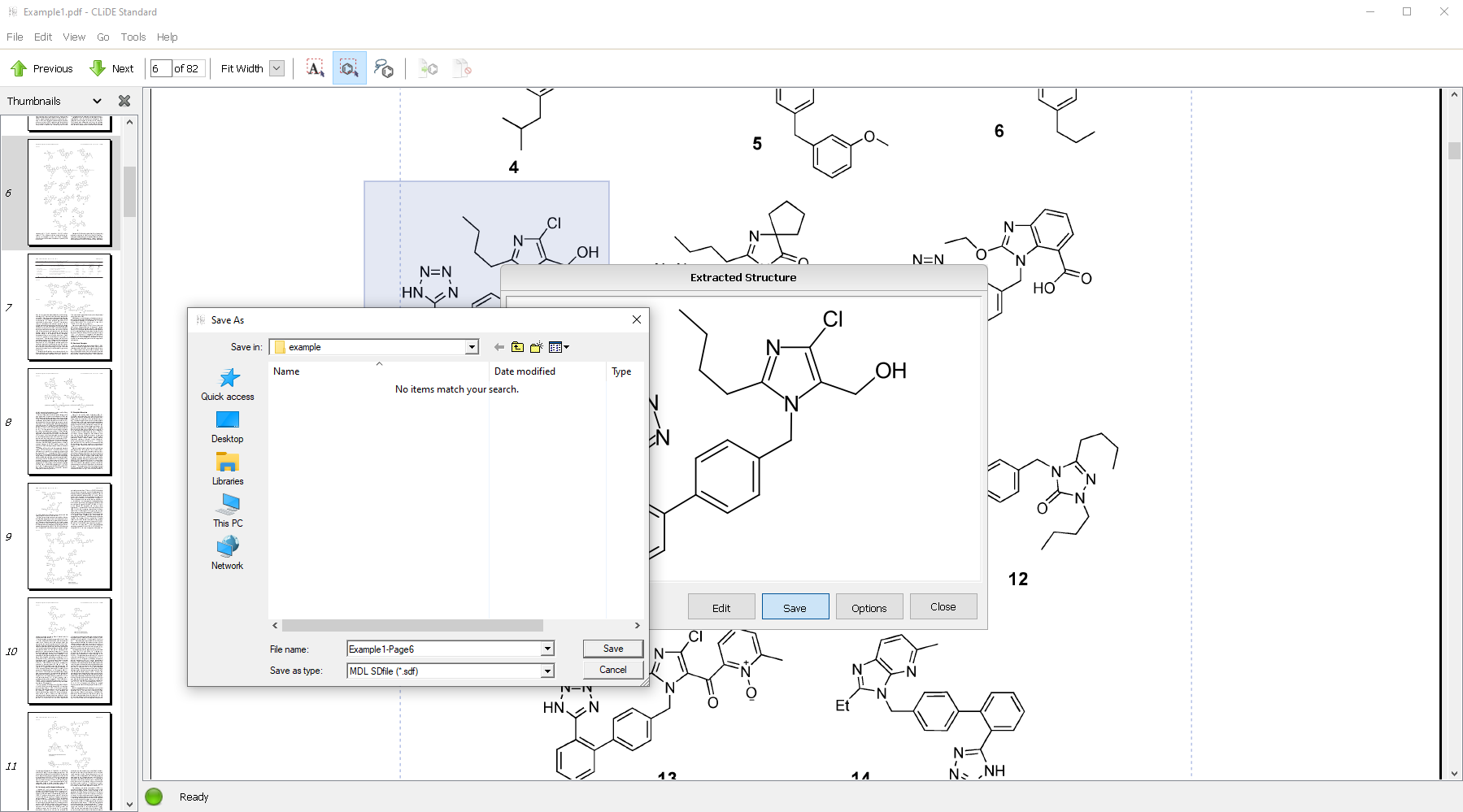
User selects a structure from the document
CLiDE Standard extract the structure


CLiDE Standard displays the extracted structure in a dialog box
User can save the structure into chemical files such as ChemDraw’s CDX and MDL Sdfile


Structure transferred into PerkinElmer’s ChemDraw for editing
Once all structures have been reviewed, user saves structures into chemical files such as ChemDraw’s CDX and MDL Sdfile formats

User observes structures and their property values exported by CLiDE Standard in other applications such as ChemAxon’s MarvinView
Purchase CLiDE Standard Online
Choose your license:
Special Offers
Exclusive limited-time pricing on software solutions. Accelerate your research with advanced solutions at unmatched value.